Support Center
We’re here to help
Find quick fixes, privacy details, and the best way to reach us when Media TV Cast needs a hand.
Download on the App Store
Find quick fixes, privacy details, and the best way to reach us when Media TV Cast needs a hand.
Download on the App Store
If you have questions, feedback, or suggestions for new features, we want to hear from you. We value your input as it helps us prioritize future updates.
frontdesk@media-tv-cast.com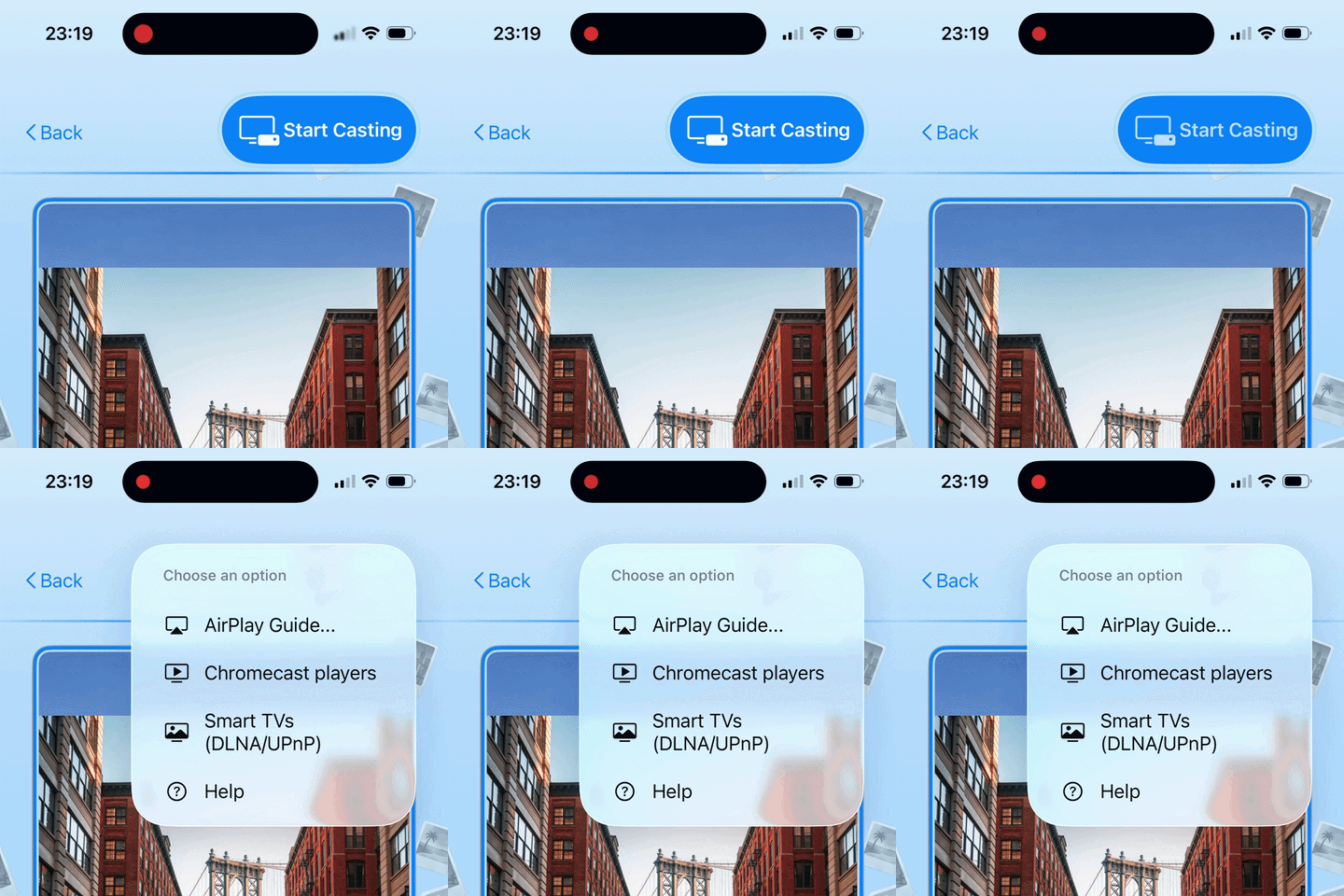
Google TVs and Chromecast devices sometimes need their casting features turned on in their settings. If your TV isn't showing up in the app, grab your TV remote and try these simple steps:
Some TVs—especially older or uncertified Smart TVs—don't always announce themselves on the network automatically. They just need a gentle "nudge" to wake up. Try these quick tricks:
If you open an album and notice some of your pictures aren't showing up, the app likely doesn't have full permission to access your photo library yet. You can easily fix this in your iPhone settings:
Media TV Cast is built with a Privacy-First philosophy: