Media TV Cast
The simplest way to beam your iPhone photos and videos to the big screen. Supports AirPlay, Chromecast, and DLNA.
Download on the App Store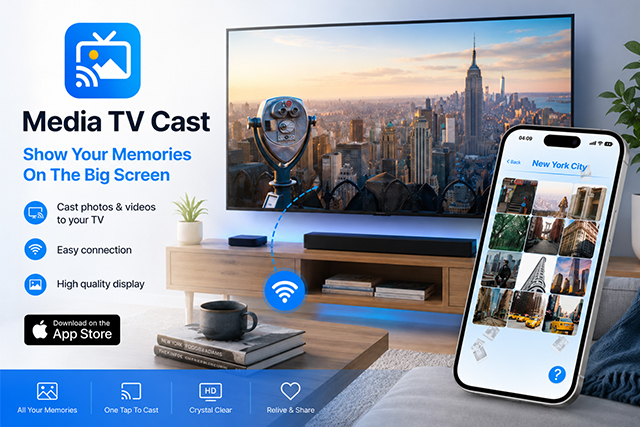
The simplest way to beam your iPhone photos and videos to the big screen. Supports AirPlay, Chromecast, and DLNA.
Download on the App Store
Works with Samsung, LG, Sony, Roku, and any smart device on your network.
Enjoy your photos and videos in full clarity without compression or lag.
No account required. Open the app, pick a photo or video, and start casting.
Connect your iPhone to the same Wi-Fi as your TV.
Choose photos or videos from your library or recently saved albums.
Hit "Start Casting" and enjoy the view on the big screen.
Media TV Cast works locally. We never upload your photos or videos to a server or track your viewing habits.